Scan at the shelf
A product-specific QR label opens the right item for your business. An agreed low-stock trigger tells your team when to scan.
From offices and warehouses to facilities and beyond.
QRFill puts everyday supplies one scan away.
Scan a product label, choose your quantity and confirm. Then see what you’ve ordered and when it’s expected to arrive.
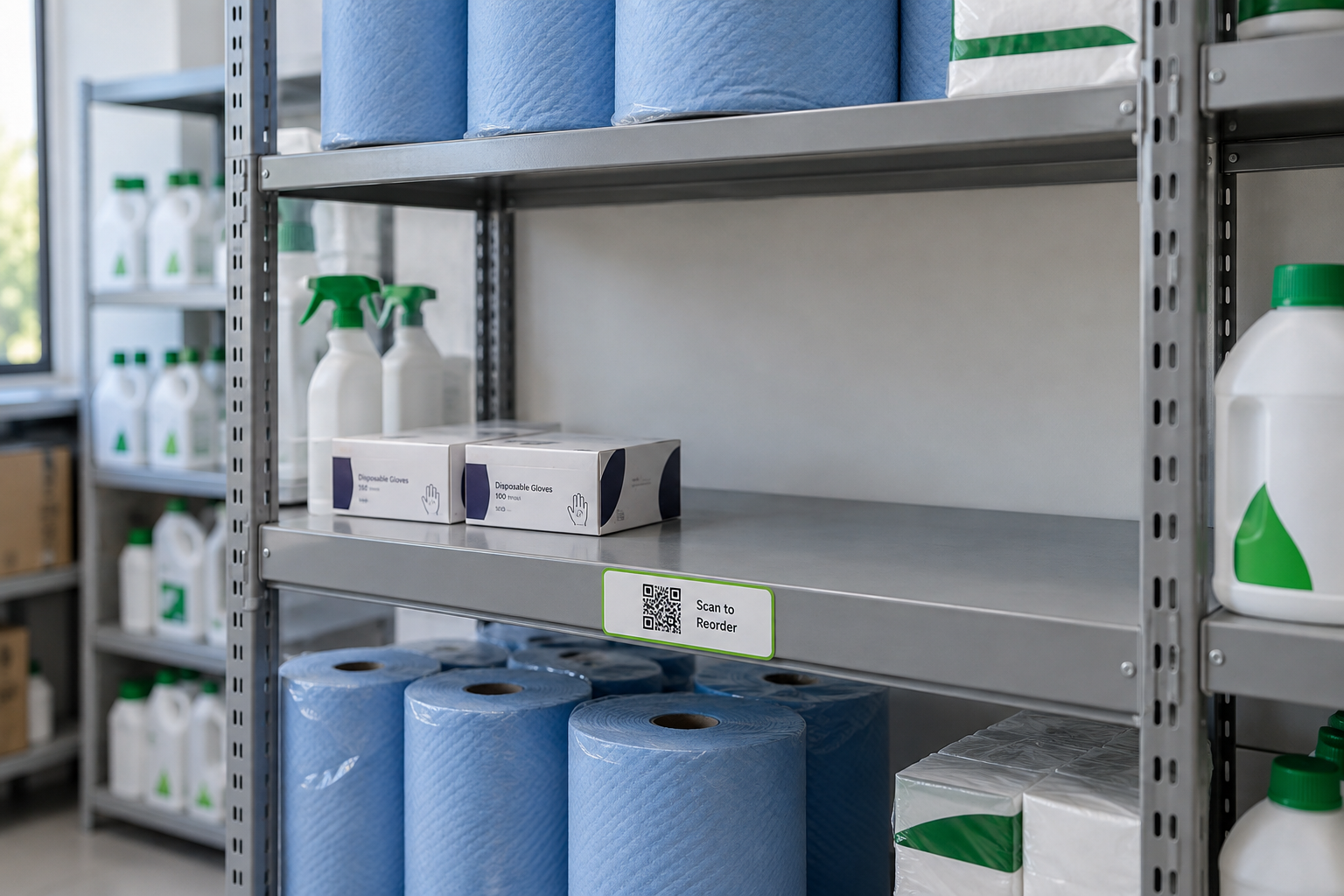

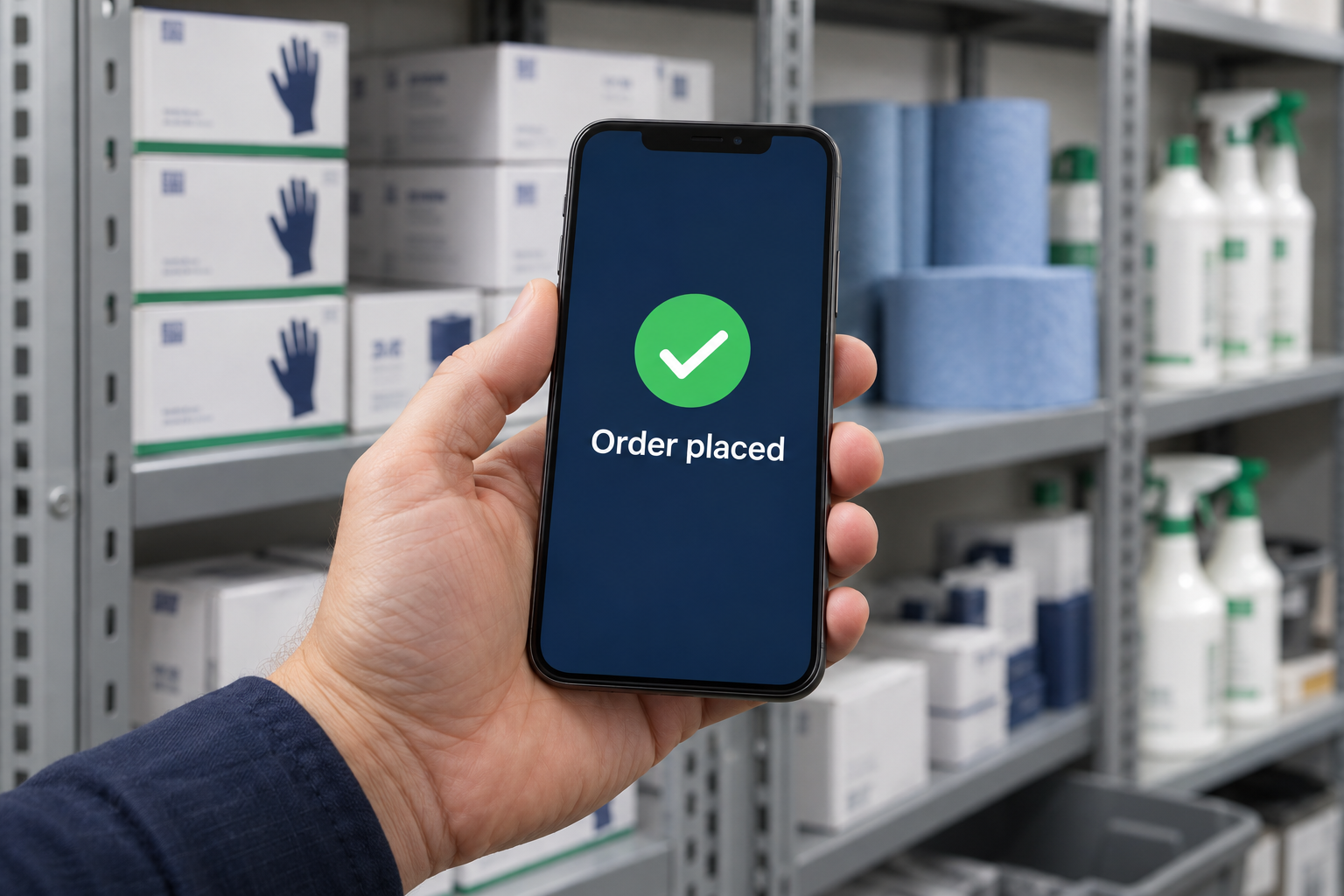

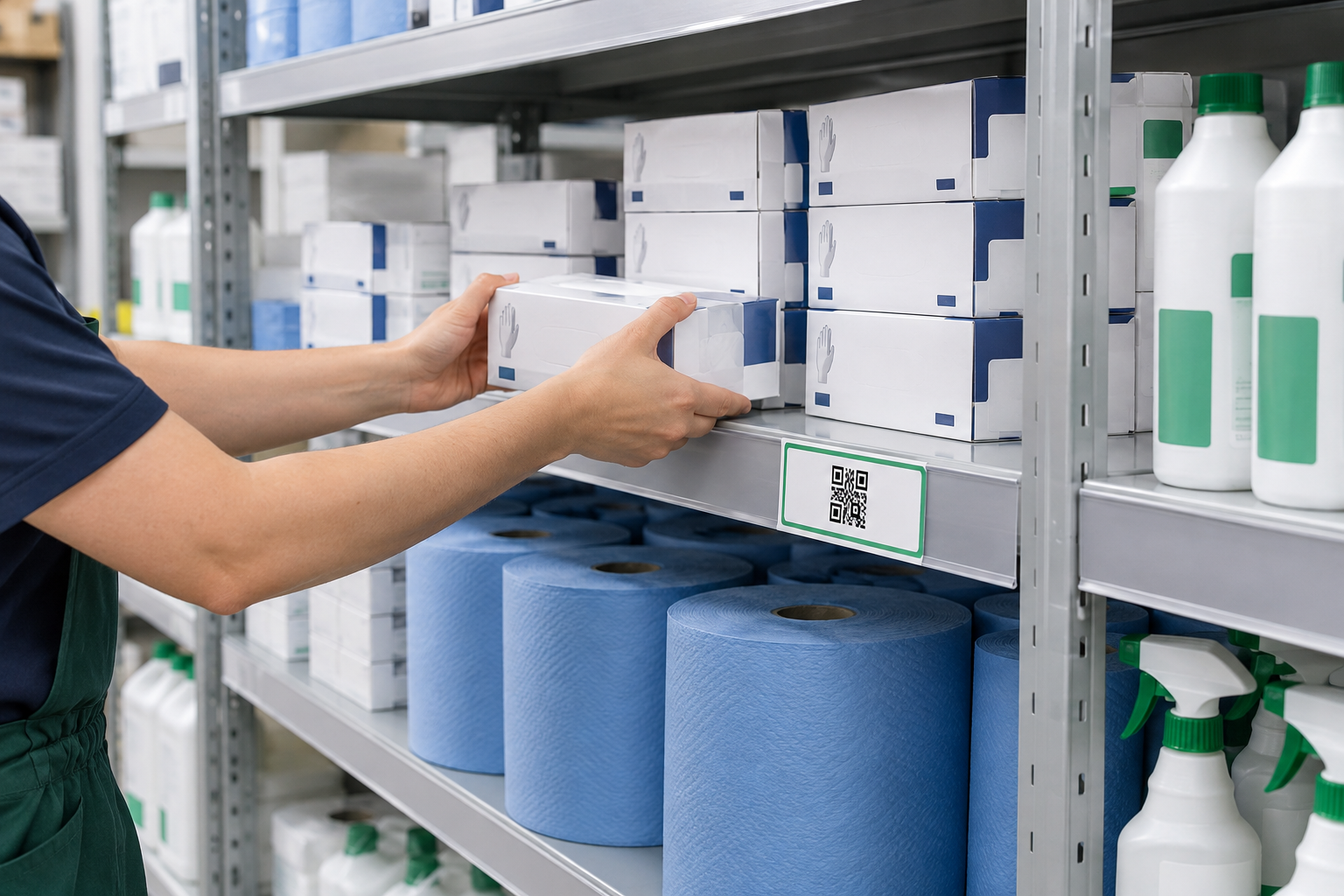
Keep a product QR label beside the stock. When supplies reach the agreed level, your team knows it is time to reorder.
Illustrative AI-generated scenes. Use the demo QR labels to try scanning. Playing does not place an order.
No searching for product codes. No downloading an app. Just the right product, ready to request.
A product-specific QR label opens the right item for your business. An agreed low-stock trigger tells your team when to scan.
Choose the quantity, check the price and expected delivery date, then enter your team’s PIN.
Check open orders, follow delivery status and look back at completed deliveries in your customer workspace.
A phone camera and browser are all you need. The QR label takes you straight to the product.
See open requests in one list. A warning helps catch accidental repeat orders, with the option to confirm extra stock.
Check costs before confirming and keep the original price alongside each order as its status changes.
Review completed deliveries and reprint QR labels from your workspace whenever a label needs replacing.
Not sure how much stock to hold? We can help you agree practical stock levels and reorder points for your regular supplies.
Start with five frequently used products. We review usage, replenishment times and a sensible safety buffer, then agree a shelf trigger and review it after several delivery cycles.
Discuss your stock levelsThe aim is an appropriate stock level for your business. Some products may need a larger buffer, rather than less stock.
Use the same stock unit throughout: boxes, packs, bottles or individual items. The example below uses boxes of gloves.
0.5 × 2 + 1, rounded up to a whole stock unit.
This tells you when to reorder, not how much to buy. Check outstanding orders before requesting more. Order quantity depends on pack sizes, usage and delivery frequency.
Suggested starting level—to be reviewed against actual usage and delivery performance. This is an estimate, not a live stock count or a guarantee against running out. Changing these values does not change your labels or place an order.
Already buying these items? Start with a like-for-like comparison of the products, pack sizes and quantities your team actually uses.
A recent invoice can help. Remove bank details and any other sensitive information before sharing it.
Opens your email app. You can also email hello@qrfill.co.uk.
A like-for-like quote should set out unit prices, pack sizes, VAT, delivery charges and any minimum order. Any proposed substitute should be identified clearly.
Per box, pack or bottle shown. These are example prices, not a quotation. VAT and delivery are excluded; actual prices and terms need to be agreed.
Try ordering with example prices →Compare both the cost of your supplies and the time you spend managing restocking. Savings depend on your products, quantities and agreed terms.
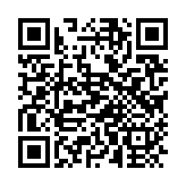
Scan this code to open the QRFill homepage, or jump straight into the demo. Try gloves, blue roll, degreaser and bin bags.
Shared demo customer · PIN 1234 · Example prices and delivery dates. No payment or real delivery.
 QRFillScan. Restock. Repeat.